Tutorial of our free viewer for navigating mobile mapping footage: browse a map with travel paths, sync it to spherical or panoramic imagery, and adjust zoom, speed, brightness and contrast as you go.
Mobile mapping tutorials & webinars
Learn how to get the most out of mobile mapping and reality capture technology. Watch Horus webinars and tutorials on our products.
Tutorials
See our tools in action. From navigating footage in the Movie Player to mapping road defects with the Layer Manager, these short videos show how Horus software works in practice.
Horus Movie Player
Product: Horus movie player
Horus Layer Manager
PRODUCT: horus movie player
Licensed Movie Player module for viewing and editing GIS data directly on street-level imagery: load layers, edit points, lines and polygons, and even triangulate accurate 3D coordinates from multiple photos.
Digital road inspection
PRODUCT: horus movie player
Custom inspection forms in the Layer Manager for recording road defects like cracks and potholes, with damage extent calculated automatically and mapped in GIS to support prioritization and repair planning.
Webinars
Recorded sessions on how Horus combines hardware, software and AI into working mapping solutions, from live product demos to real-world integration use cases.
Trimble: Horus MX Extension
Product: Trimble MX Extension
Tutorial of our free viewer for navigating mobile mapping footage: browse a map with travel paths, sync it to spherical or panoramic imagery, and adjust zoom, speed, brightness and contrast as you go.
Horison on NVIDIA Jetson
PRODUCT: Horison
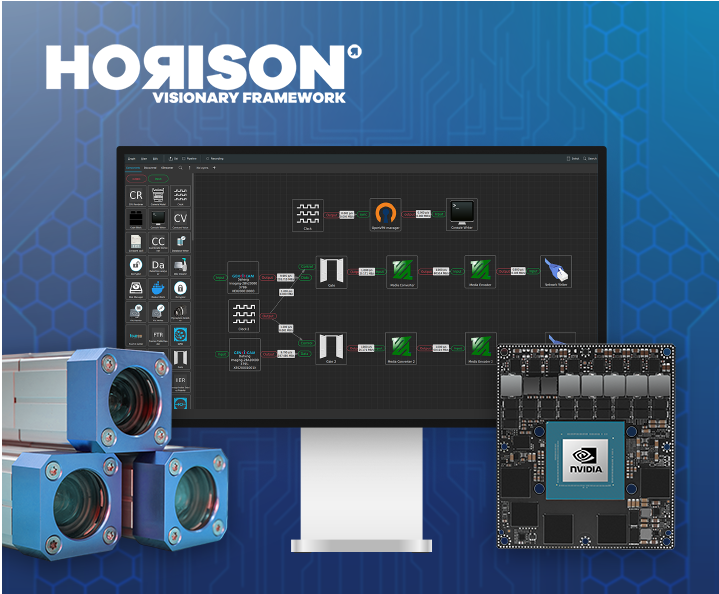
Webinar demo of the Horus Framework running on NVIDIA Jetson hardware: real-time 360° stitching from multiple sensors, configurable virtual camera views, and flexible pipelines shown through police dog and robotics use cases.