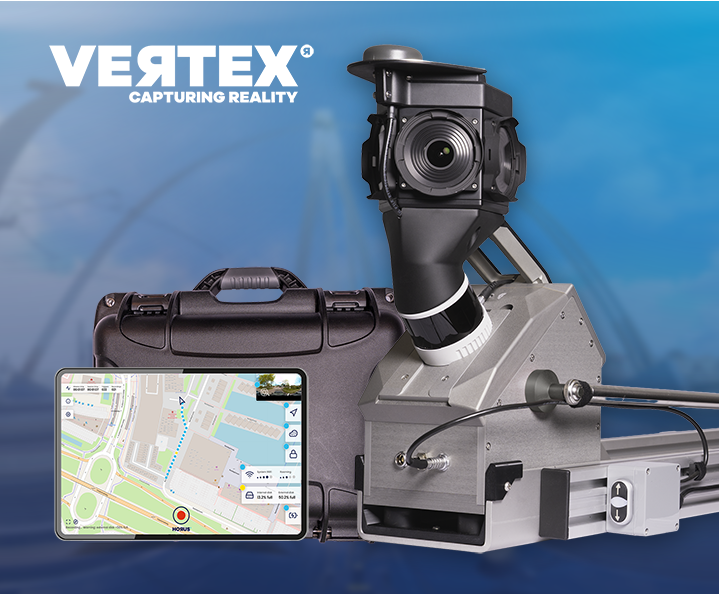
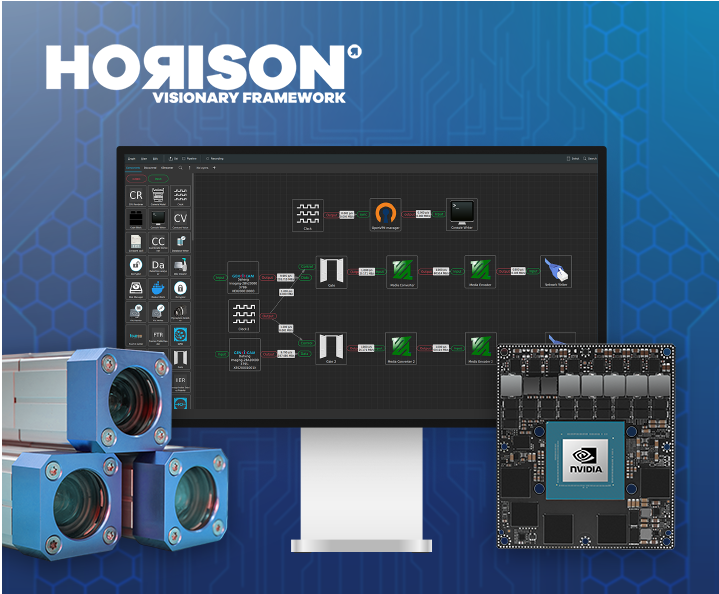
Horus is working with partner Merkator on stereo vision for mobile mapping, combined with AI processing on the edge. The goal: bring down the total cost of ownership of 3D mapping.
What stereo vision adds to mobile mapping
Stereo vision uses two cameras positioned a fixed distance apart to calculate depth from the difference between their images, the same principle human eyes use to judge distance. Applied to mobile mapping, it gives a system a way to generate 3D depth data directly from imagery, without relying on LiDAR alone.
For mobile mapping systems, that means depth perception generated during capture, processed on the edge, and available as part of the mapping output rather than reconstructed afterward.
Why this matters for 3D mapping costs
LiDAR remains the reference for precision, but it adds hardware cost to every system. Stereo vision offers a way to generate usable depth data from camera imagery already being captured, which can reduce the hardware and processing cost of getting to a 3D result.
Combined with AI processing at the edge, depth data can be generated and validated in the field, in the same processing step as image stitching and position correction, instead of in a separate post-processing pass.
The partnership with Merkator
Merkator is a geospatial technology group active in the Netherlands from offices in Groningen and Zaltbommel, working with telecom operators, utilities and government organizations on GIS, asset management and digital twin data. Horus and Merkator are developing stereo vision together to bring 3D depth capability into mobile mapping systems built for these sectors.
The project is developed with support from SNN and the EU Just Transition Fund.
What this enables
Depth data generated at the point of capture opens up mobile mapping for use cases where 3D detail matters but a full LiDAR setup isn’t always the right fit, from infrastructure inspection to early-stage autonomous driving development.
Want to know more about stereo vision in mobile mapping or the work with Merkator? Talk to our team